32×32 panels use the same serpentine logic as 16×16, scaled up. Most builders wire with top-left first LED, vertical orientation, and serpentine enabled. Always compare against your physical strip — if the image is mirrored, toggle one setting at a time.
| WLED 2D setting | Typical value for 32×32 |
|---|---|
| Total LEDs | 1024 (32 × 32) |
| First LED position | Top left (verify on your panel) |
| Orientation | Vertical |
| Serpentine | On (checked) |
| Dimensions | 32 × 32 (width × height) |
Reference: 16×16 wiring
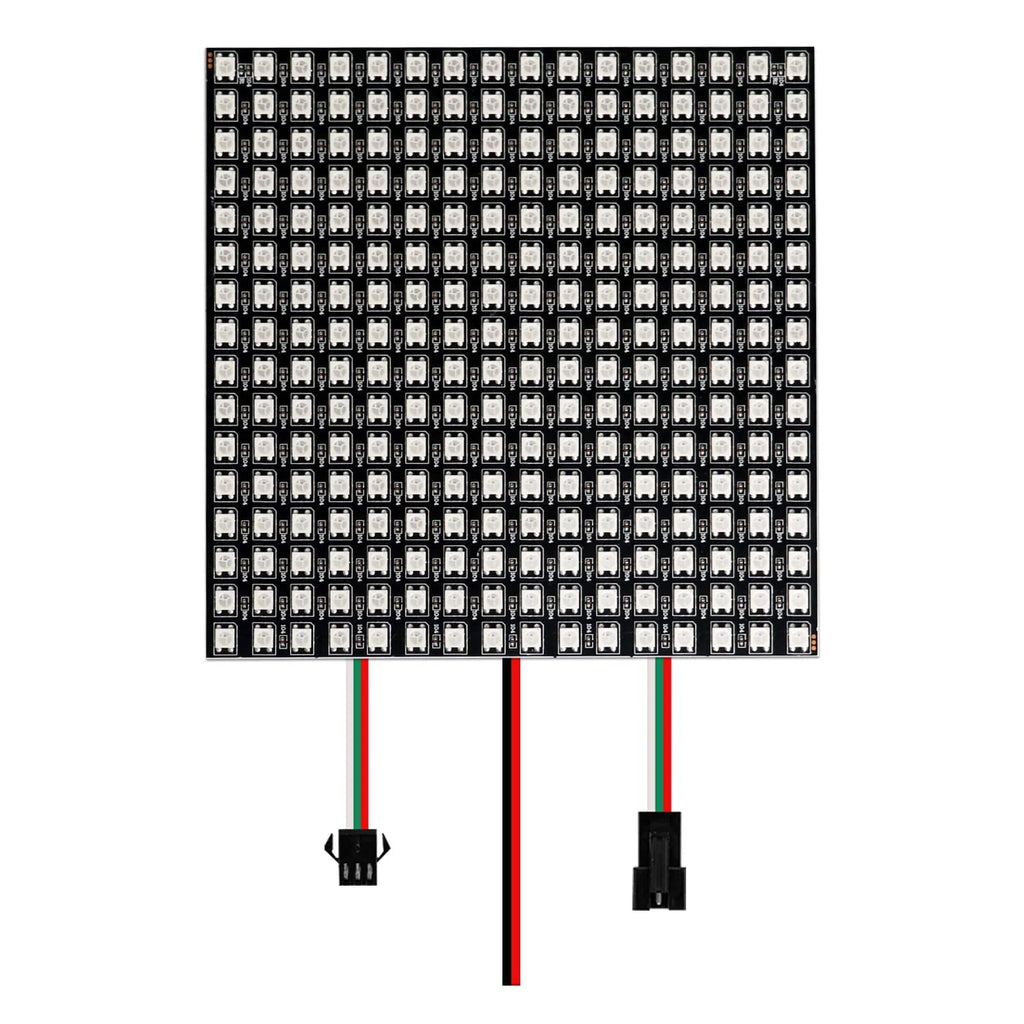
32×32 panels follow the same serpentine pattern at double resolution. Use the 16×16 diagram as a structural reference:
Troubleshooting tips
- If content is rotated 90°, swap orientation (vertical ↔ horizontal).
- If every other row is reversed, toggle serpentine.
- If the whole grid is mirrored, try a different first-LED corner.
- Test with a simple left-to-right wipe before complex animations.
Why 32×32 + Pipplee
At 32×32 you get enough pixels for detailed character art, readable icons, and smooth animation playback. Pipplee auto-downscales its full library to your grid.
- Pixel art converter — upload high-res images, output 32×32
- GIF player — animated GIFs with more visible detail
- Animation library — 1000+ presets scaled to 32×32