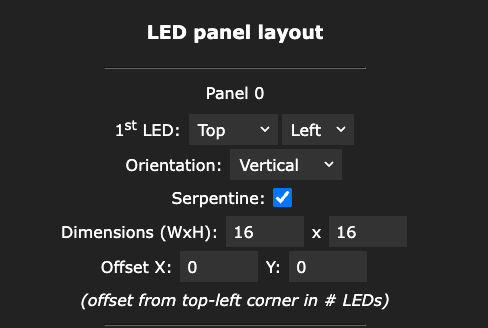
| WLED 2D setting | Value for 16×16 |
|---|---|
| First LED position | Top left |
| Orientation | Vertical |
| Serpentine | On (checked) |
| Dimensions | 16 × 16 (width × height) |
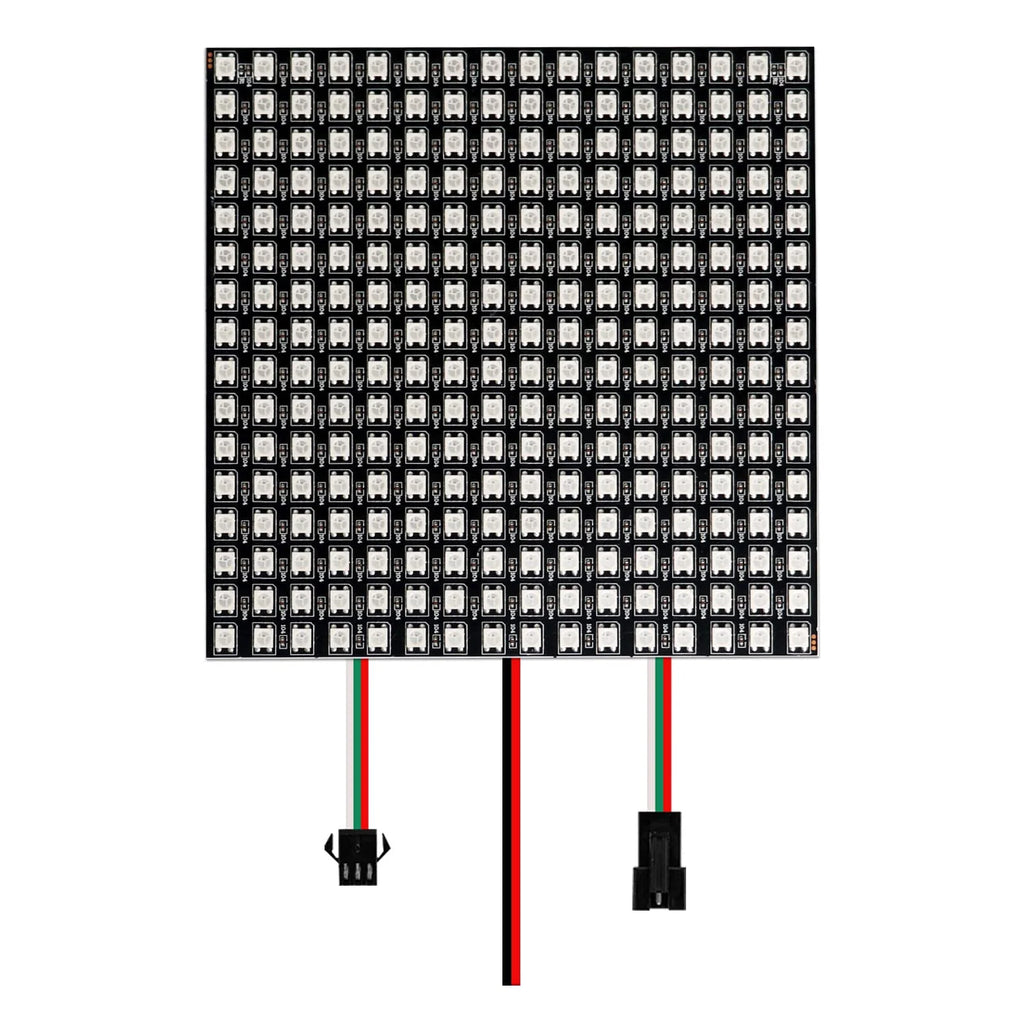
Power and wiring for a 16×16 panel
A 16×16 panel has 256 LEDs. At full white each LED can draw up to about 60 mA, so the theoretical peak is well above what most small supplies deliver — in practice you run animations at moderate brightness. Use a 5 V supply sized for your brightness, set a limit under Config → LED Preferences → Maximum Current in WLED, and join the ground of the supply and the controller. A 16×16 panel is usually fine on a single 5 V supply, with power fed in at one end.
Fixing common mapping problems
- Image is mirrored or upside down: the first LED position does not match the corner your strip actually starts in. Change it in WLED’s 2D configuration.
- Every other row looks reversed: toggle Serpentine. Zig-zag wired panels need it on; panels wired in straight lines need it off.
- Image is rotated 90°: switch the orientation between vertical and horizontal.
- Only part of the panel lights up: check the total LED count under LED Preferences matches the panel.
Best Pipplee features for 16×16
Once mapped, try these with your 16×16 panel:
- Animation library — 12,000+ presets auto-scaled to 16×16
- Pixel art converter — draw or upload 16×16 art
- Mini games — Snake, Pong, and more on a square grid