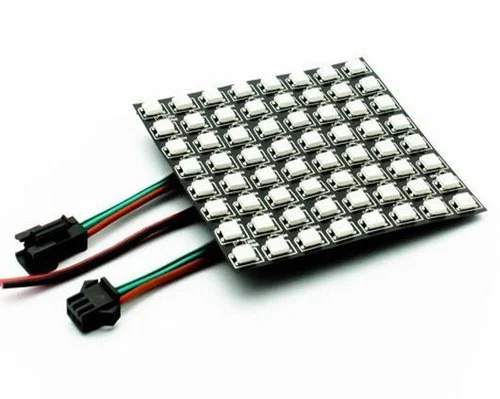
8×8 matrix
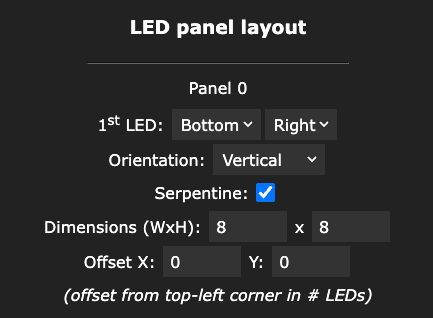
Typical small panel or tiled 8×8 grid. Use these values in WLED → LED preferences → 2D configuration when your wiring matches the diagram.
| Setting | Value |
|---|---|
| First LED position | Bottom right |
| Orientation | Vertical |
| Serpentine | On (checked) |
| Dimensions | 8 × 8 (width × height) |
16×16 matrix
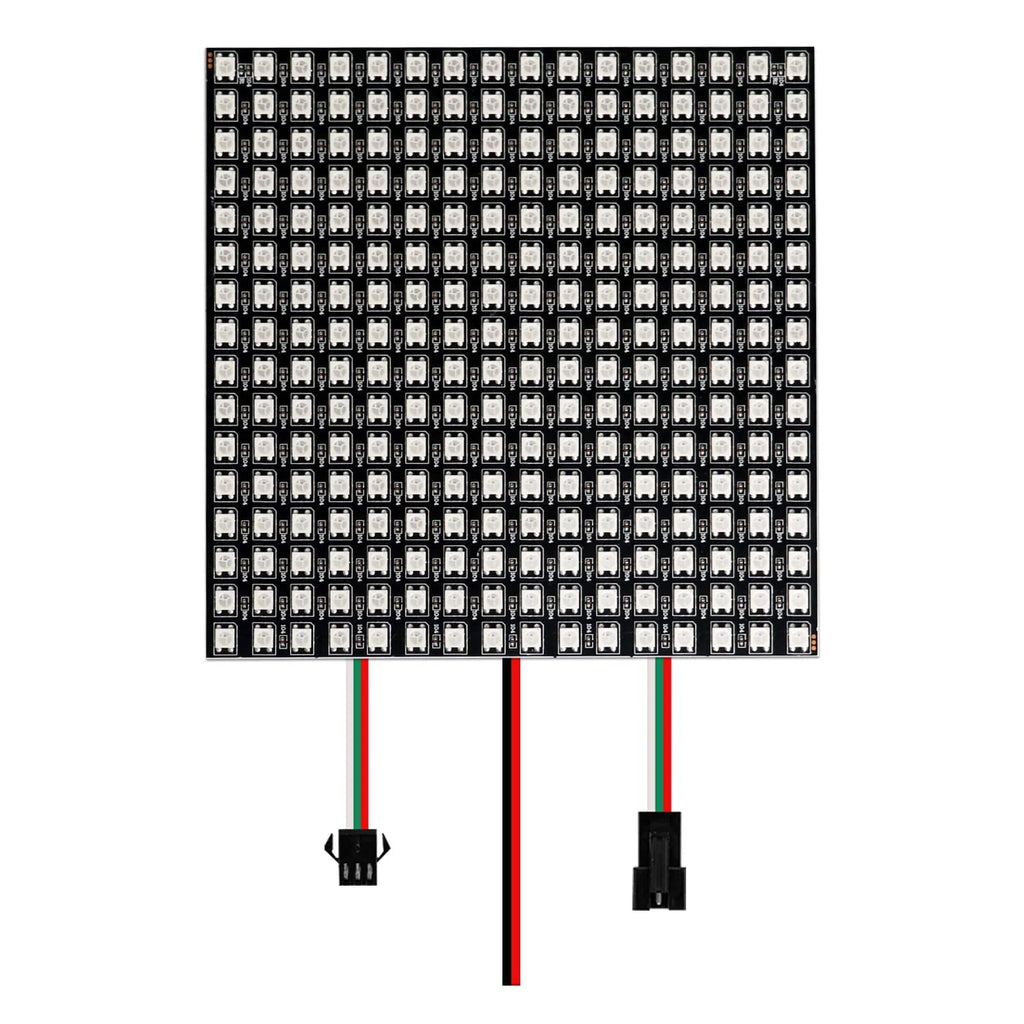
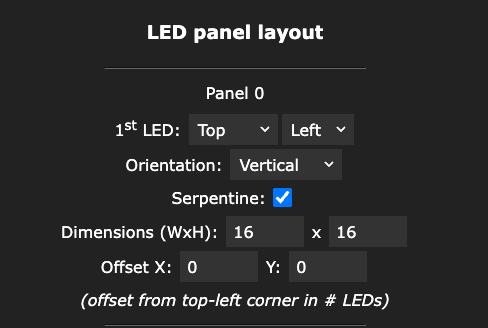
Very common mid-size panel. Note the different first LED anchor compared to 8×8—your strip must match the diagram for these numbers to work.
| Setting | Value |
|---|---|
| First LED position | Top left |
| Orientation | Vertical |
| Serpentine | On (checked) |
| Dimensions | 16 × 16 (width × height) |
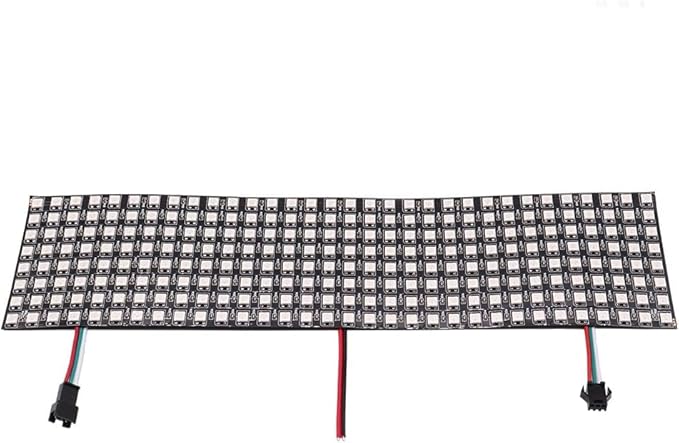
32×8 matrix (“wide strip” panel)
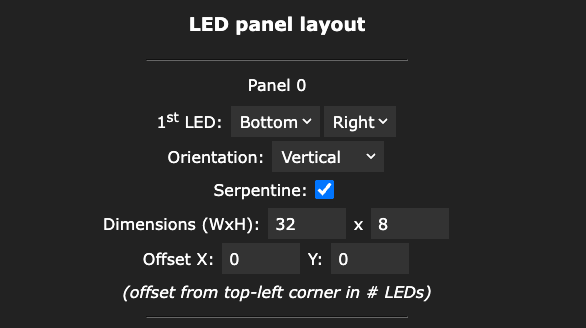
Popular for scrolling text and wide displays. Width is 32 LEDs, height 8—enter both in WLED exactly as below.
| Setting | Value |
|---|---|
| First LED position | Bottom right |
| Orientation | Vertical |
| Serpentine | On (checked) |
| Dimensions | 32 × 8 (width × height) |
Size-specific guides:
16×16 ·
32×32 ·
32×8
· Still looks wrong? Toggle one setting at a time (mirror axes in 2D, or flip serpentine) and retest with a simple left-to-right wipe. For full app setup, see our How it works guide, then control your matrix with Pipplee on Android or iOS.
· Still looks wrong? Toggle one setting at a time (mirror axes in 2D, or flip serpentine) and retest with a simple left-to-right wipe. For full app setup, see our How it works guide, then control your matrix with Pipplee on Android or iOS.